Table of Contents
Sign in to the Backend
 Updated
by Andreas Knaupp
Updated
by Andreas Knaupp
Sign in to the backend
You can sign in to the backend at the following URL:
https://admin.shoe-commerce.com/login
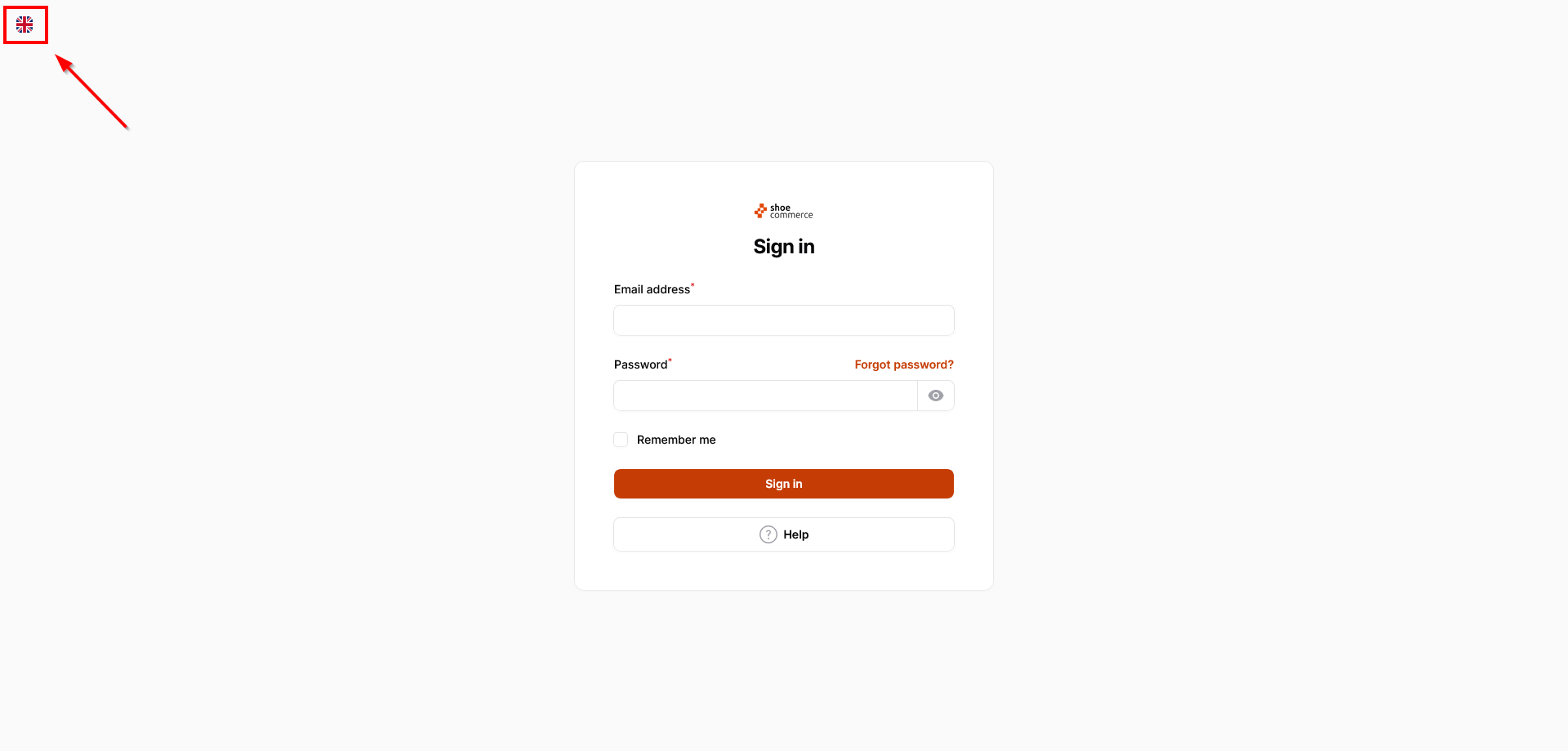
- To view the English page, please first click on the corresponding symbol at the top left. Sign in to the backend with your email address and password. When you activate the “Remember me” function, a cookie is stored on your device so that you are automatically logged in the next time you visit the website.
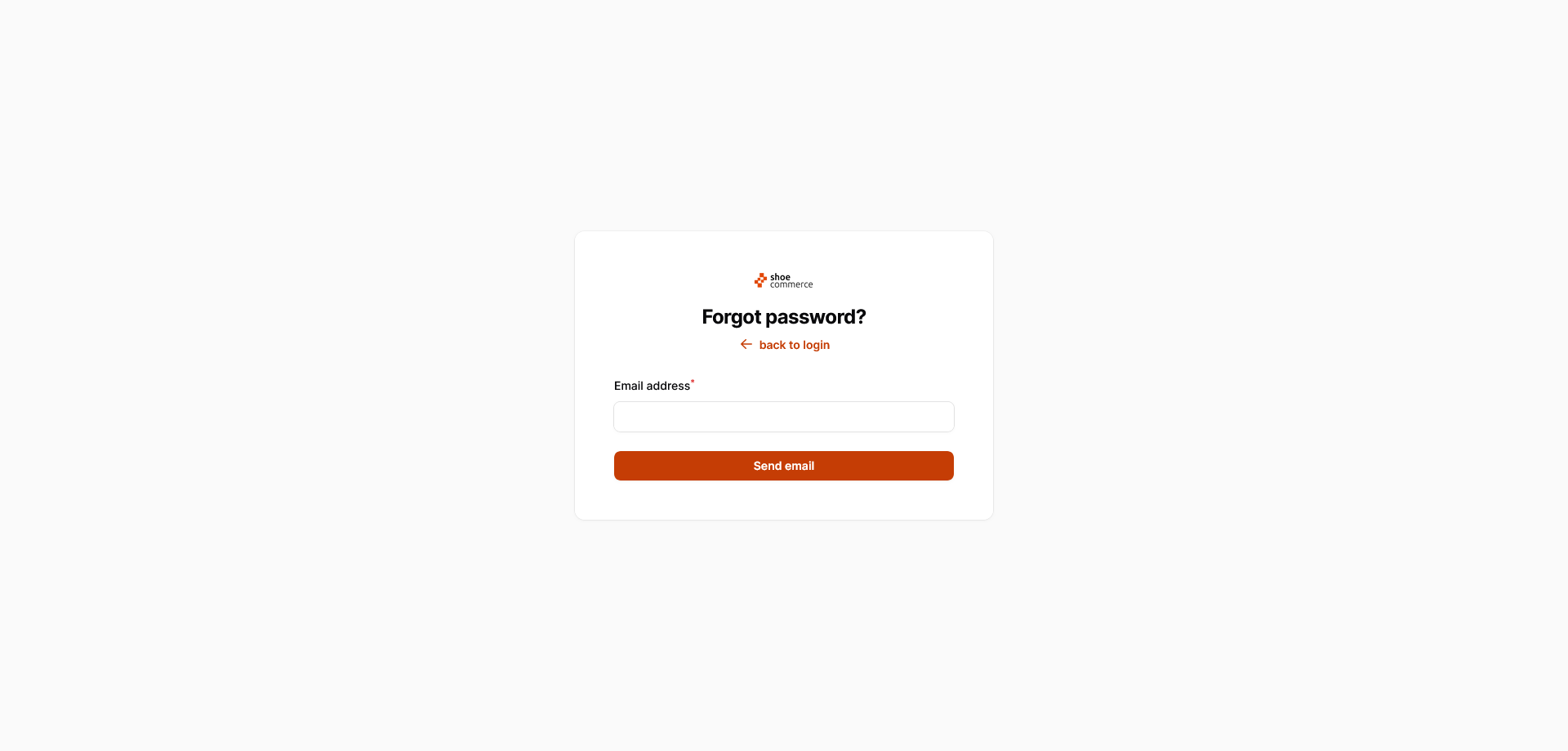
- In case you have forgotten your password, you can reset it. To do this, first click on the “Forgot password?” link. The entry form shown below will then open. Enter your e-mail address and then click on the “Send e-mail” button. The email to reset your password will then be requested and sent to the email address you entered.
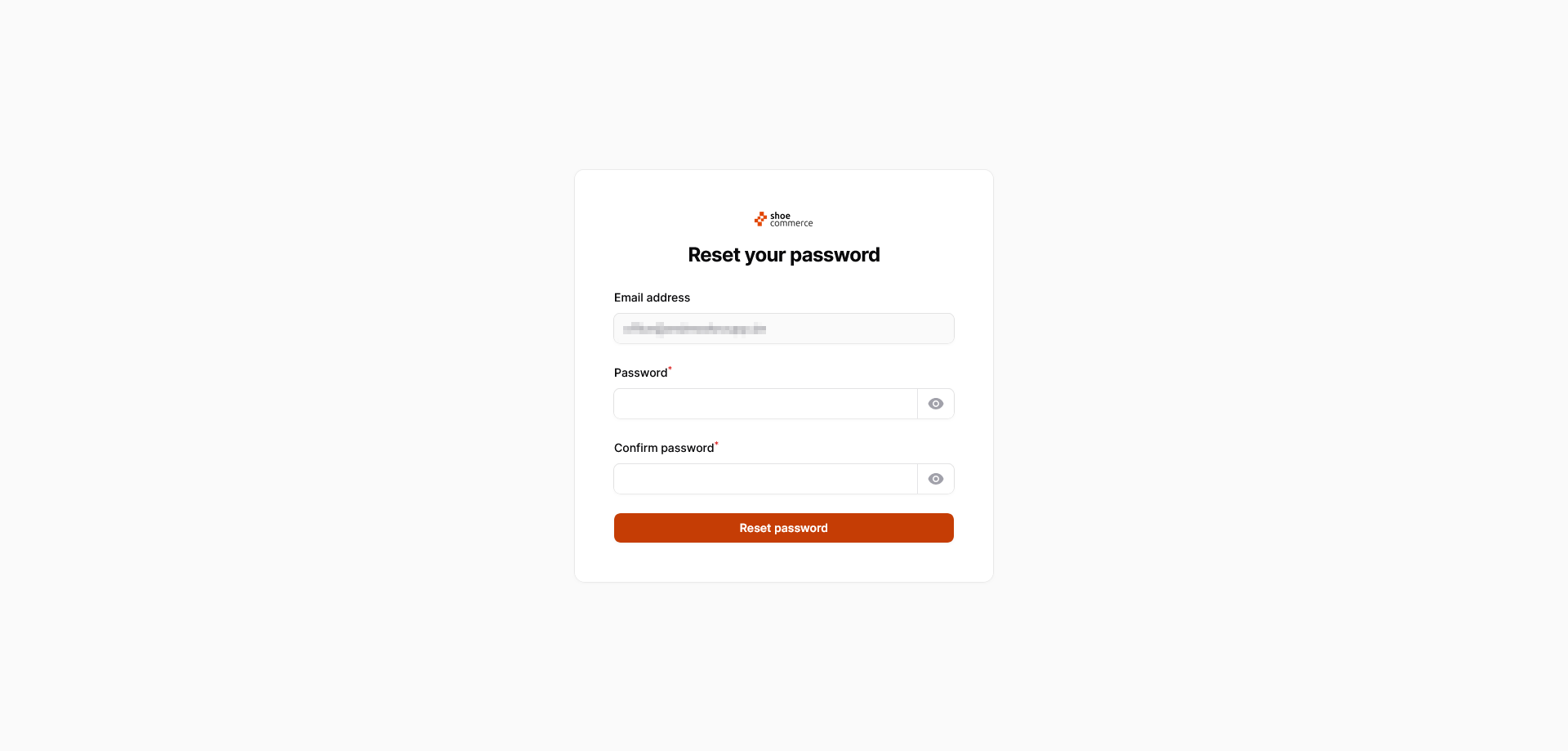
- In the email you receive, click on the “Set new password” link. This will open a new page where you can enter a new password for your account.
Sign out from the Backend
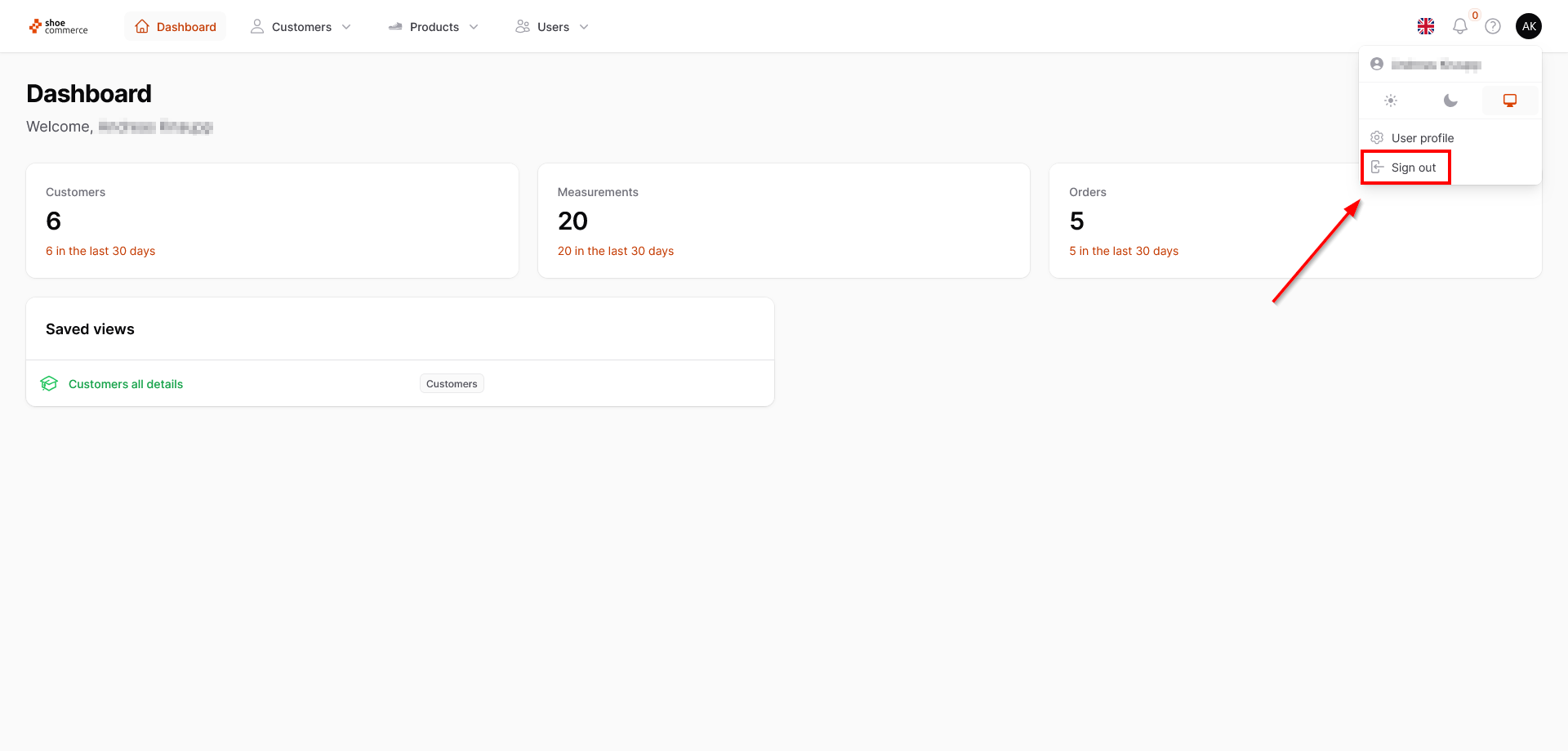
To sign out from the backend, click on your initials in the top right-hand corner of the dashboard and select the menu item “Sign out”.