Customers
 Updated
by Andreas Knaupp
Updated
by Andreas Knaupp
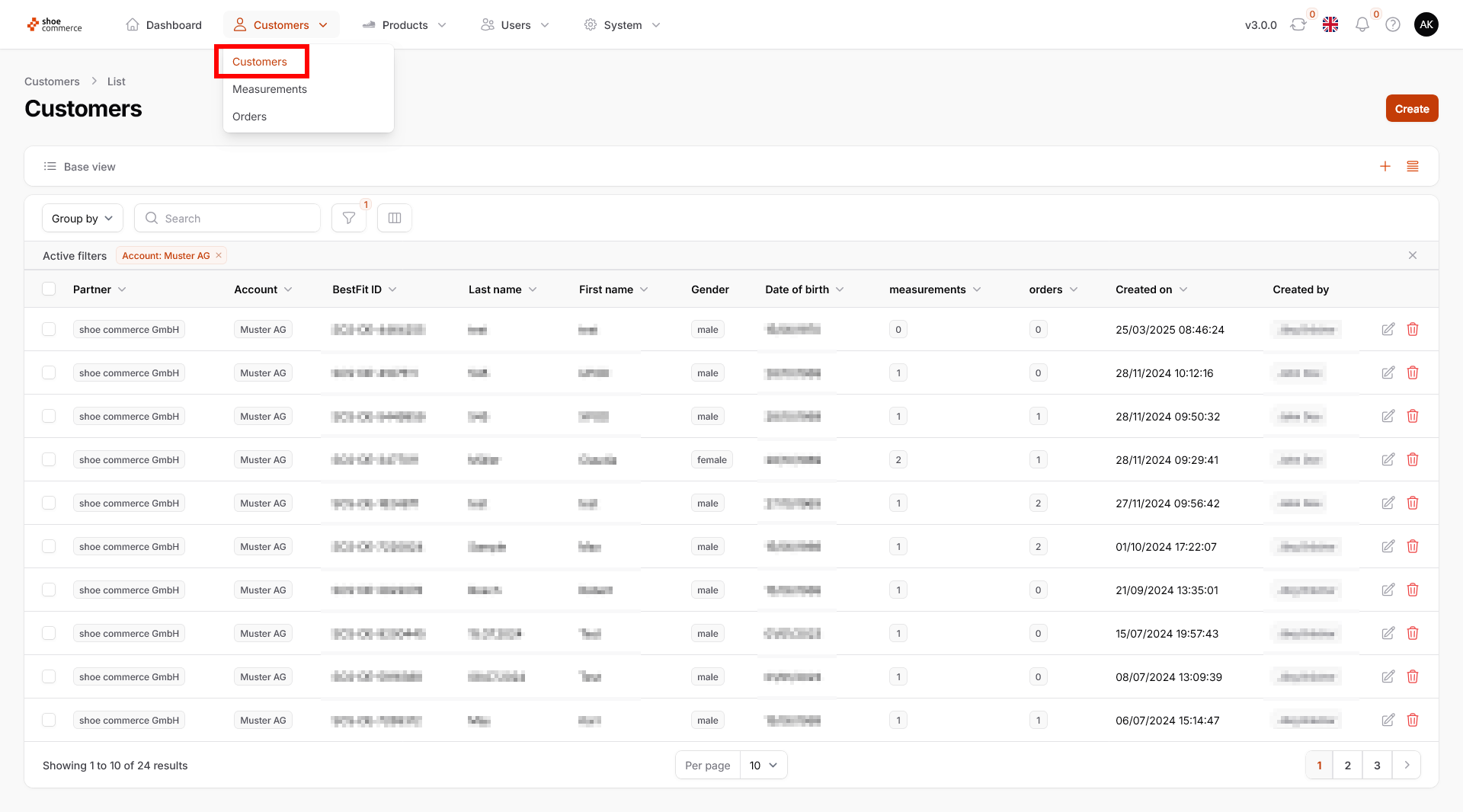
In the 'Customers' submenu, you have direct access the core data, measurements, and orders of customers. The overview page is displayed as follows:
There are two ways to view or edit the details of an individual customer.
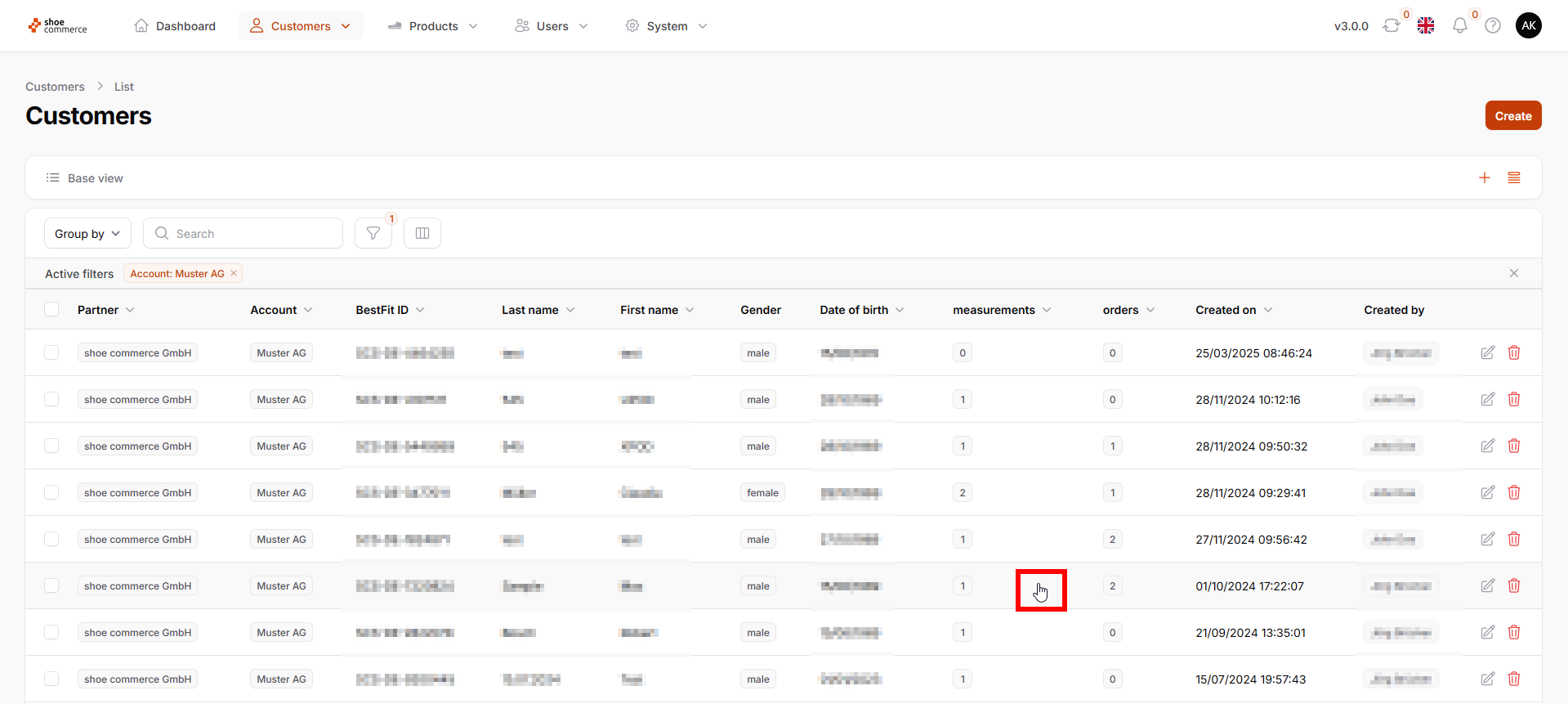
- Please click anywhere in the area of the data record you wish to view (hand symbol of the mouse pointer).
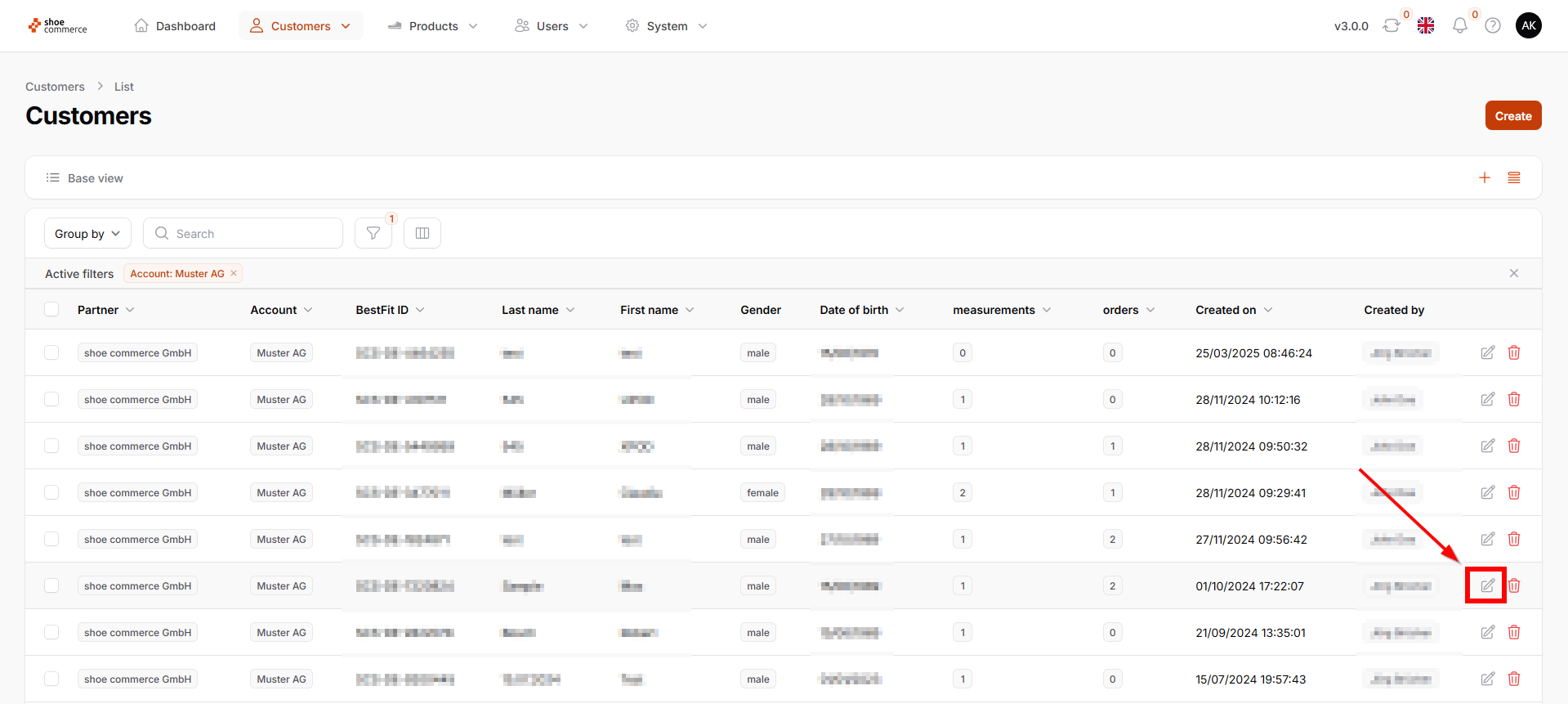
- Please click on the “Edit” symbol on the far right of the corresponding data record.
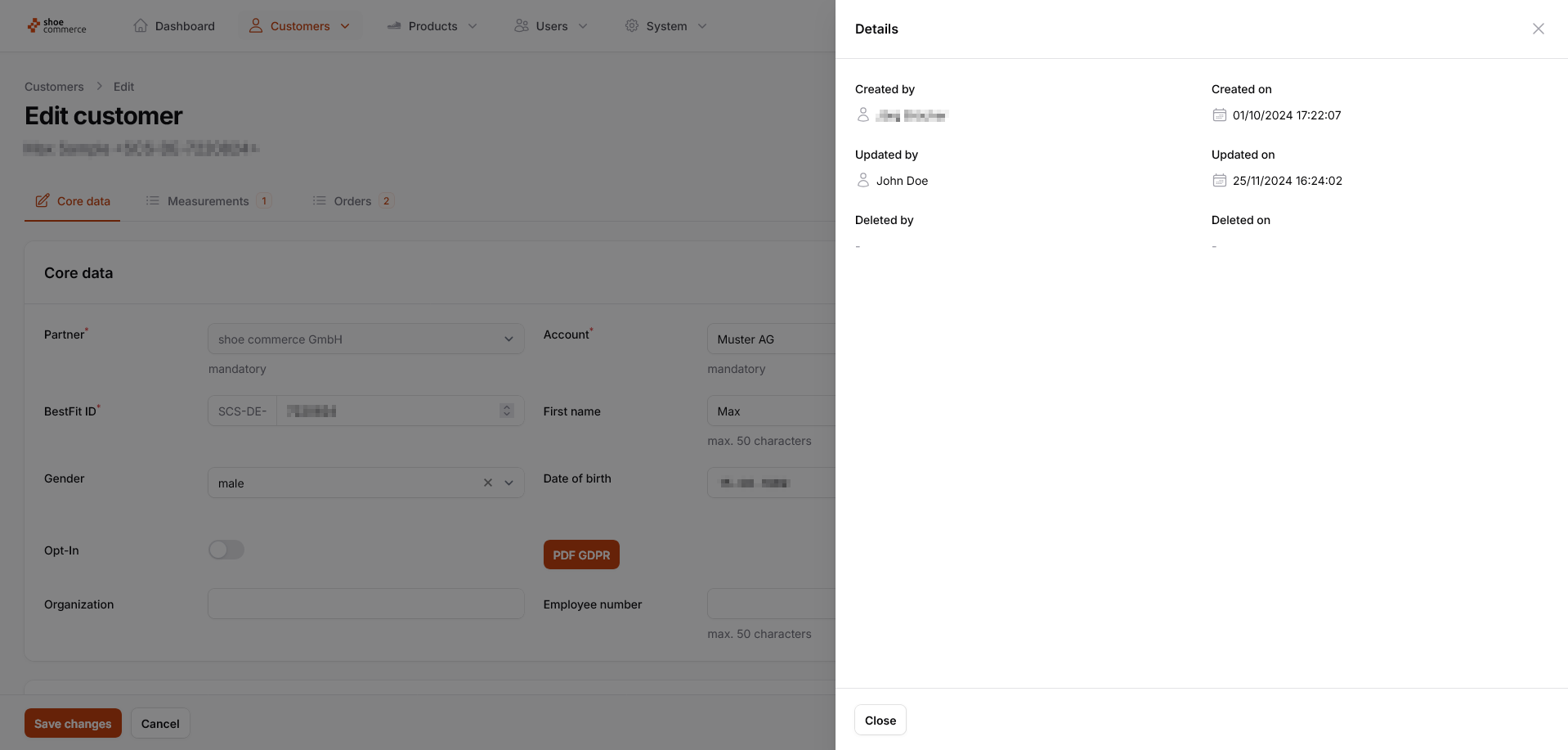
- This opens the “Edit customer” menu, which shows the “Core data” view by default. Click on “Details” in the upper right corner to view additional information.
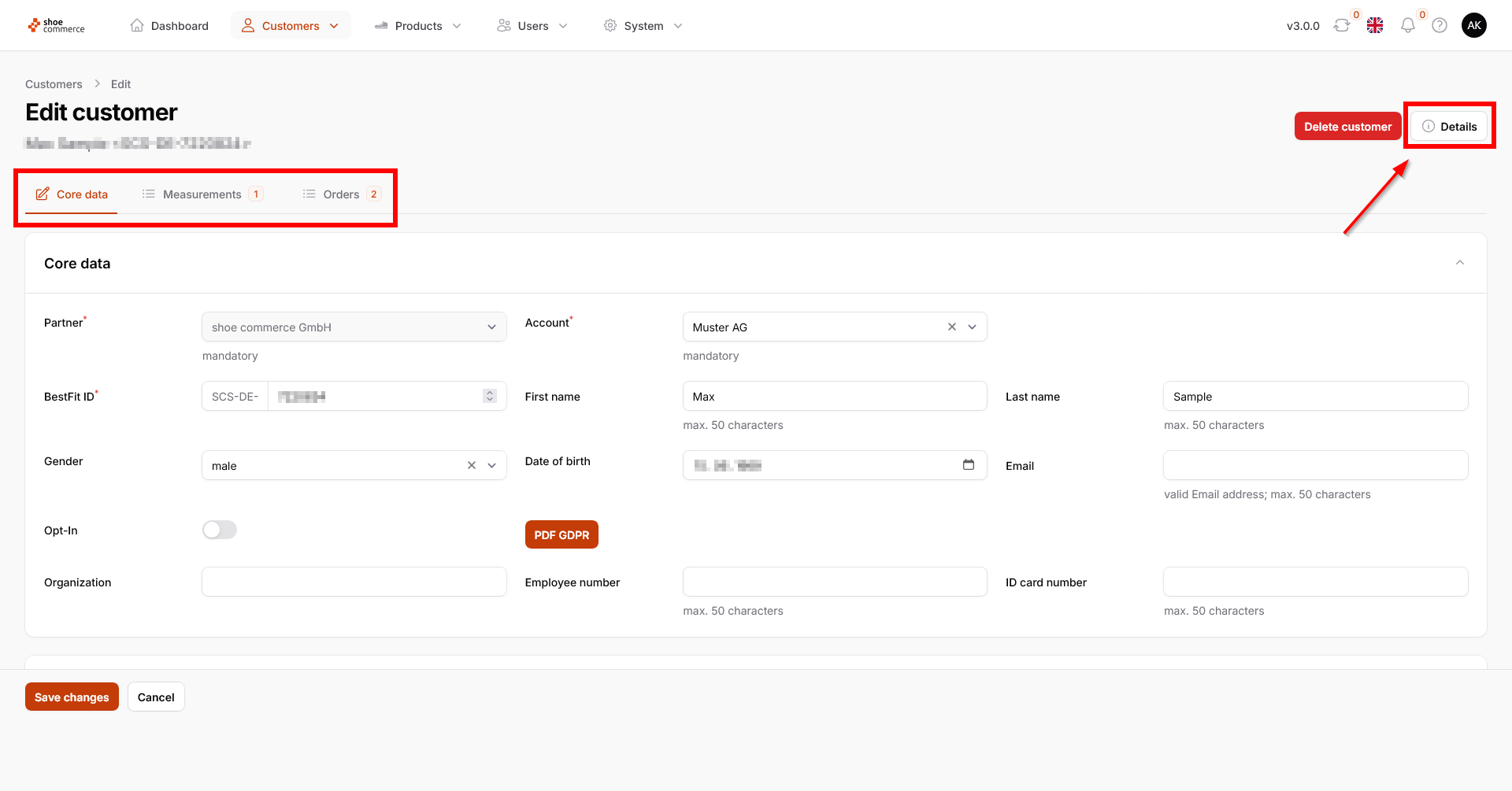
Function | Explanation |
Opt-In | Shows whether the customer has agreed in the frontend to receive emails (orange switch) or has not given permission (gray switch). |
PDF GDPR | Here you can download the customer's agreement to the privacy policy (including signature) as a PDF document. |
Note: You can return to the overview at any time by clicking on “Customers” in the top menu bar or “Cancel” at the bottom.
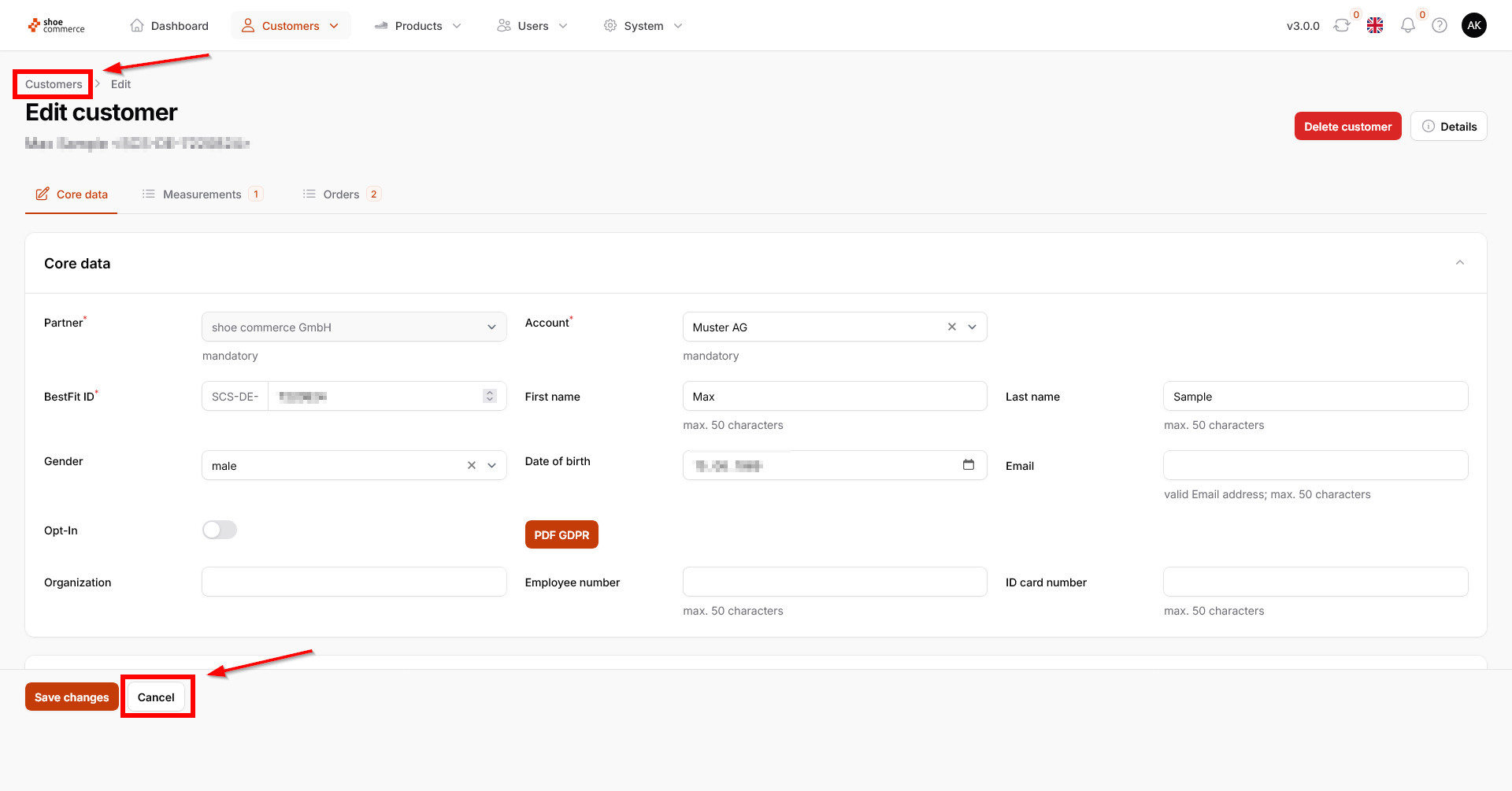
- The 'Measurements' tab provides an overview of all measurements stored in the system for the customer to date. These are also displayed as a number, in this example “1”. The other functions available here are the same as those described in the 'Measurements' section.
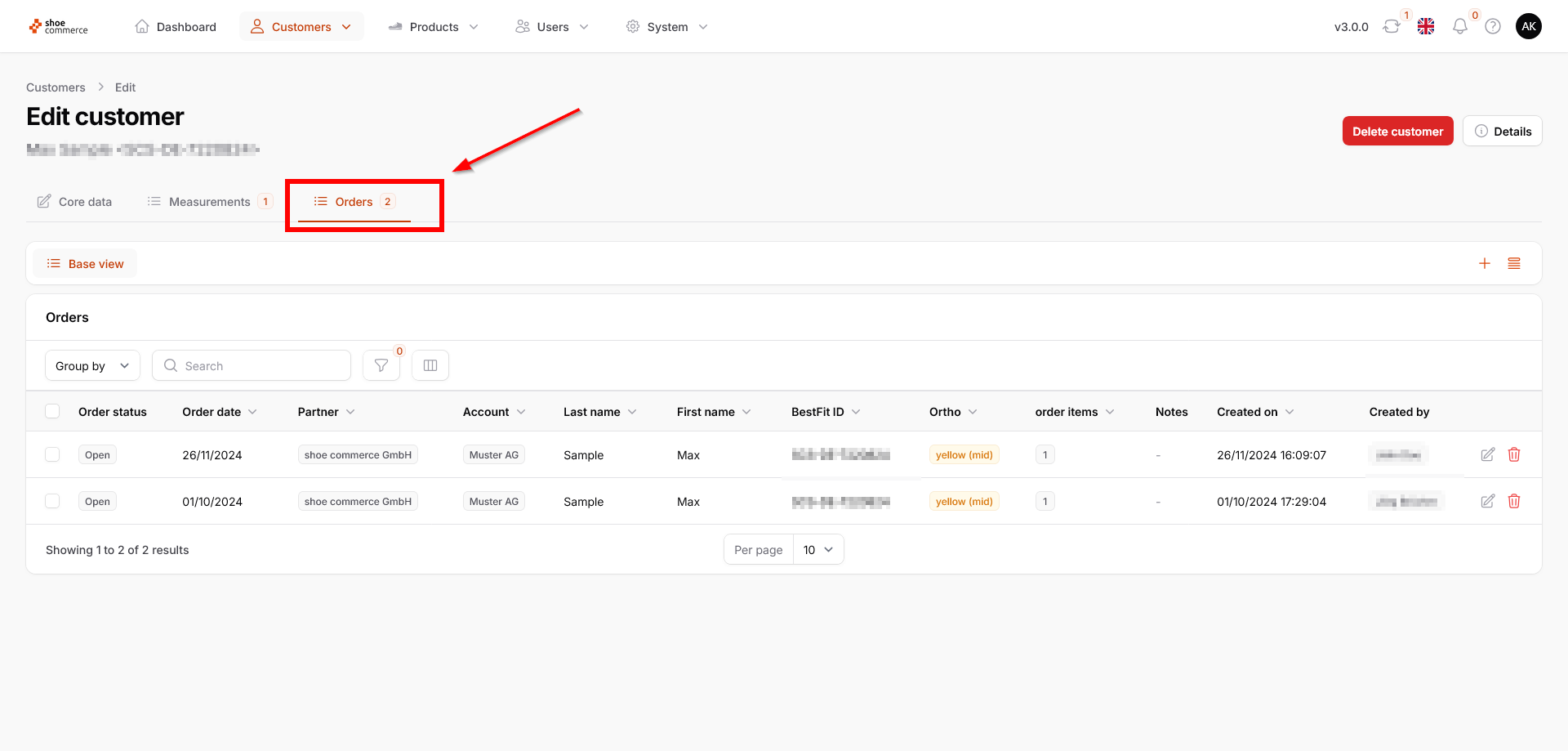
- The 'Orders' tab provides an overview of all orders stored in the system for the customer to date. These are also displayed as a number, in this example “2”. The other functions available here are the same as those described in the 'Orders / Order Details' section.