Table of Contents
MyPSA Frontend
 Updated
by Andreas Knaupp
Updated
by Andreas Knaupp
The BestFit ID read from the backend or the name and date of birth of the end customer are entered in the MyPSA frontend.
User registration
- Accessing the MyPSA frontend via „https://mypsa.shoe-commerce.com/?debug“
Note: The link shown above may vary depending on your company affiliation. Please contact
support@shoe-commerce.com to obtain the correct link for you.
support@shoe-commerce.com to obtain the correct link for you.
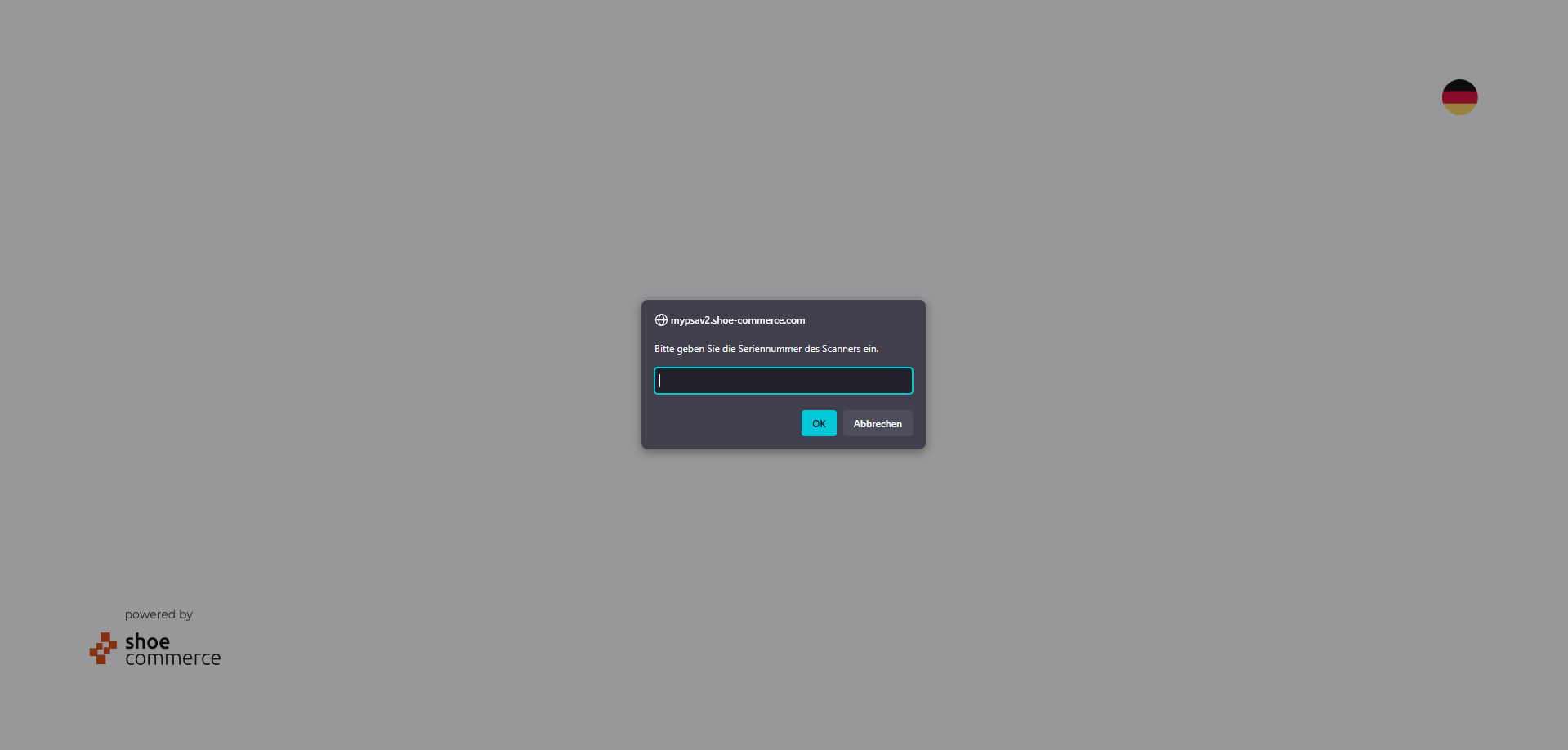
- Enter the six-digit serial number of the scanner:
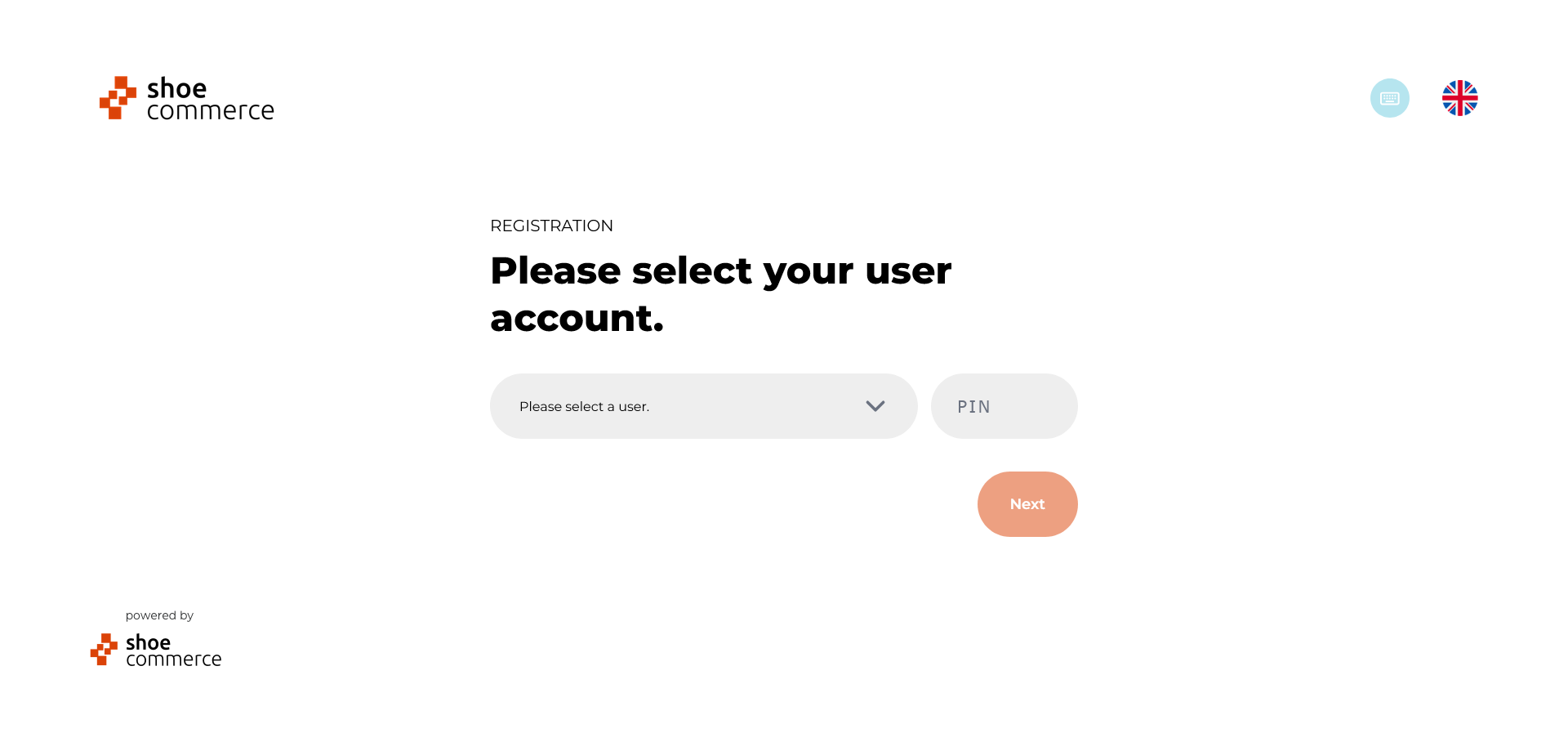
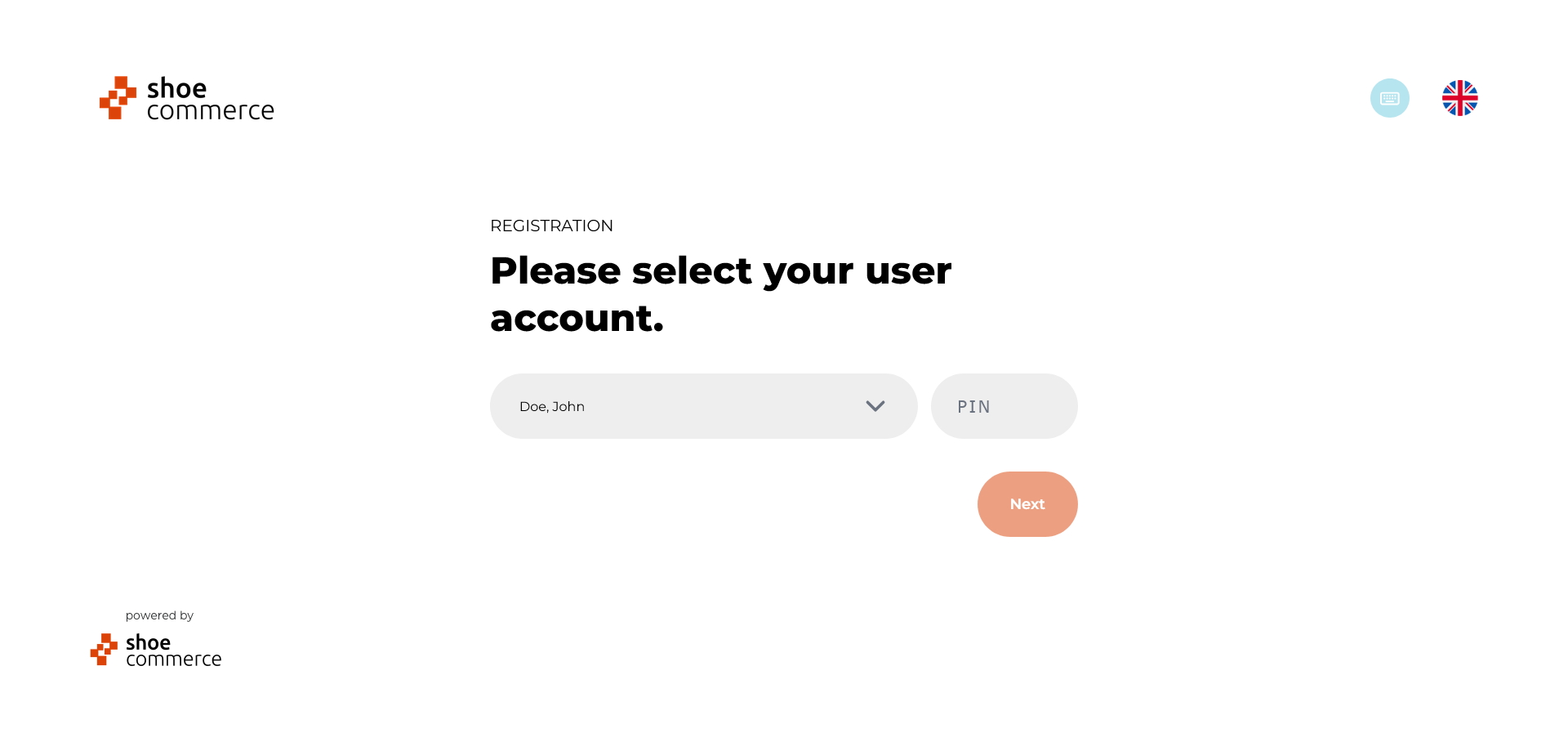
- Log in to your user account with your PIN.
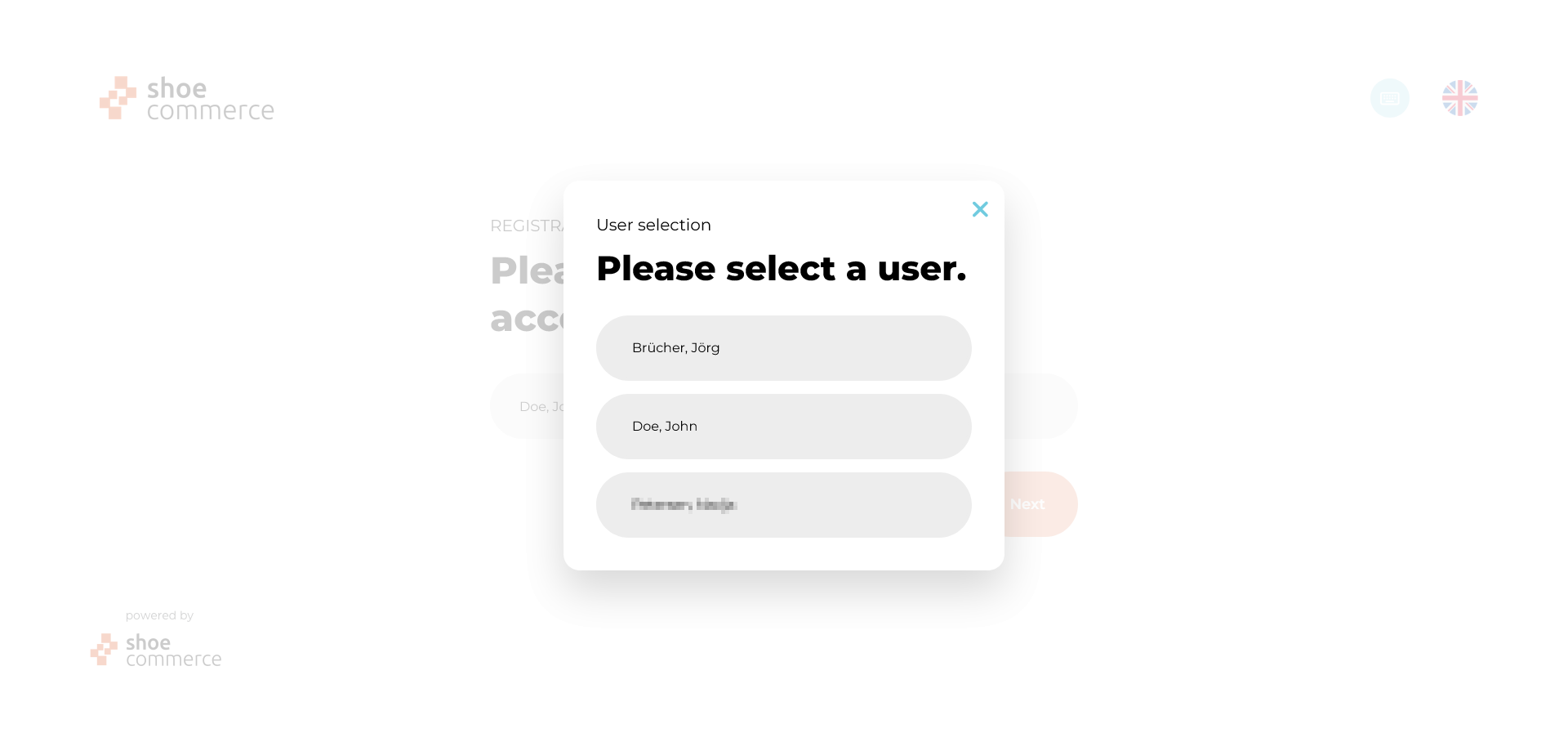
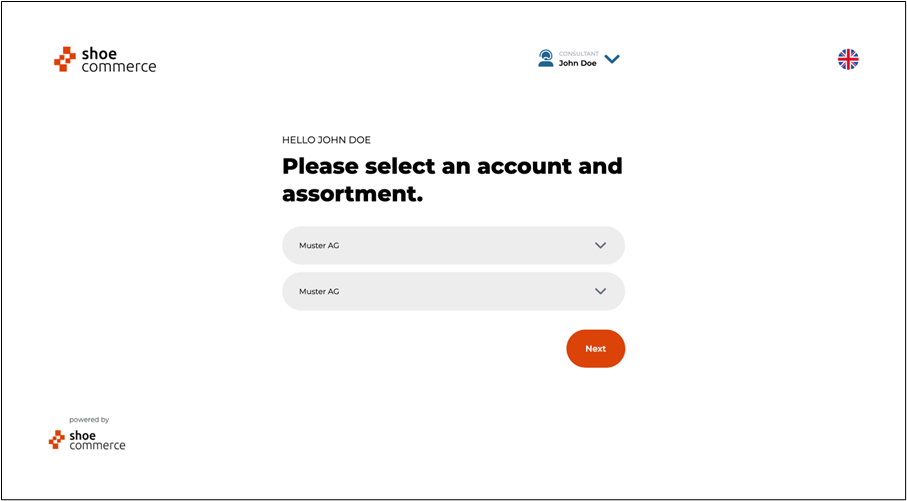
- Select your account and assortment
Now, the next step is to register the customer.
Customer registration
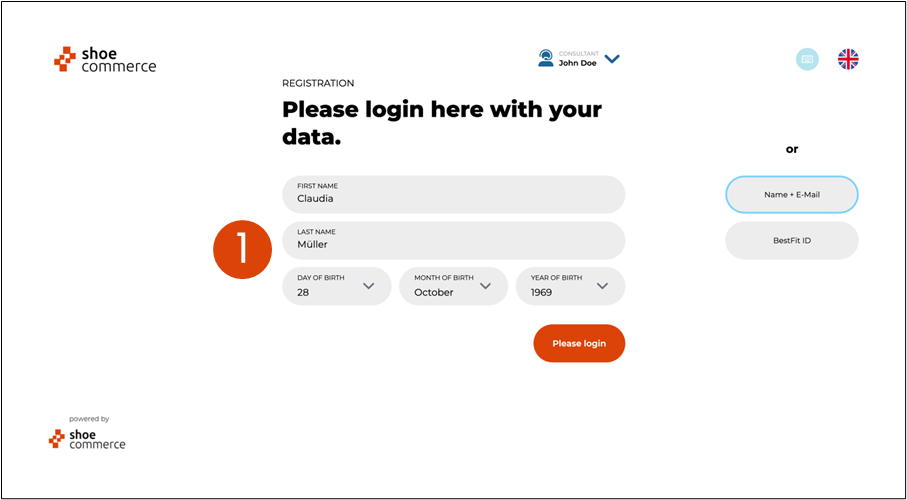
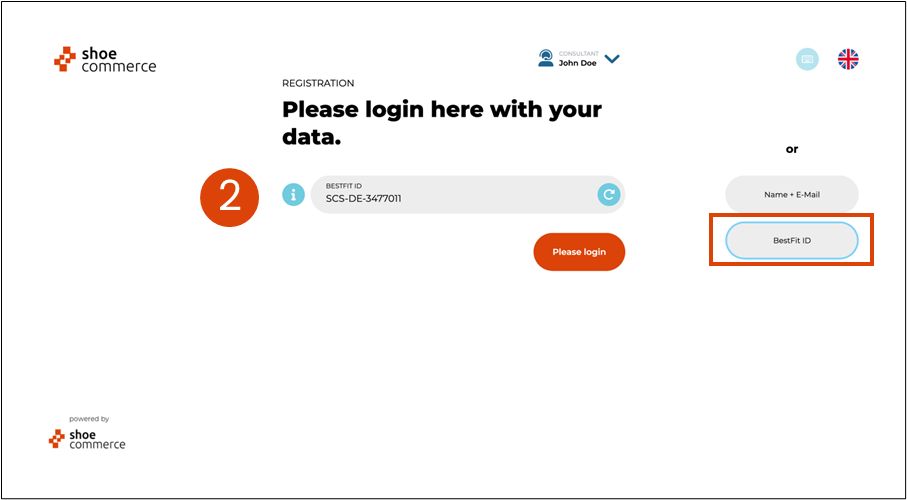
The registration of the end customer is done by using the data previously read out in the backend with:
- First and last name as well as date of birth
or
- BestFit ID
- Confirm the following steps by clicking on ‘Next’.
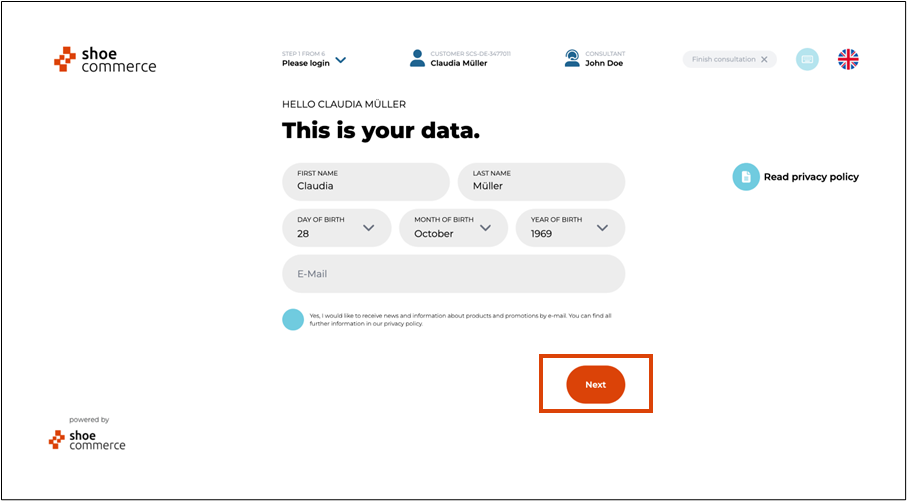
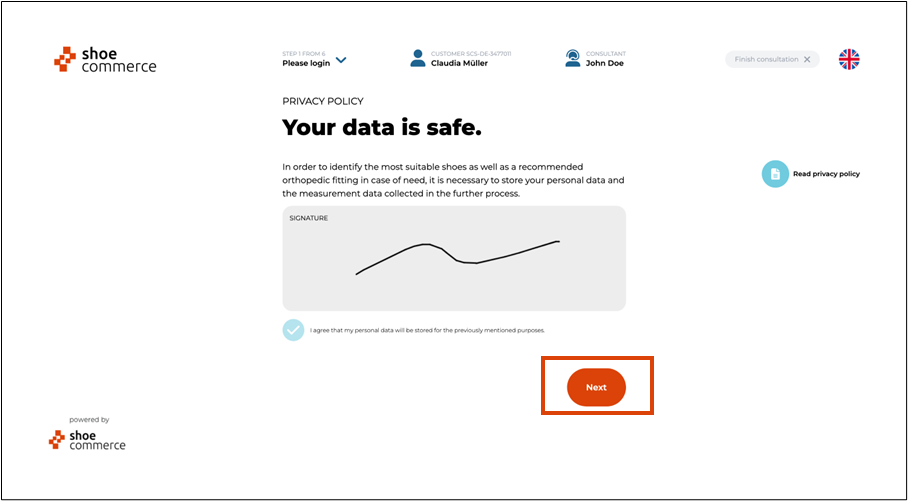
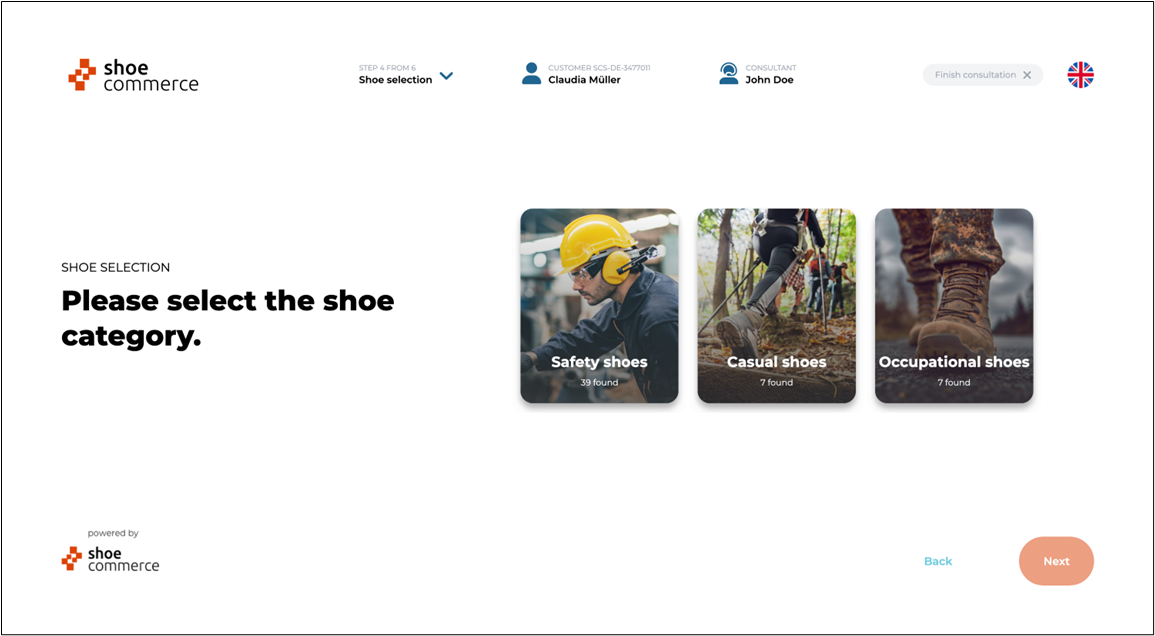
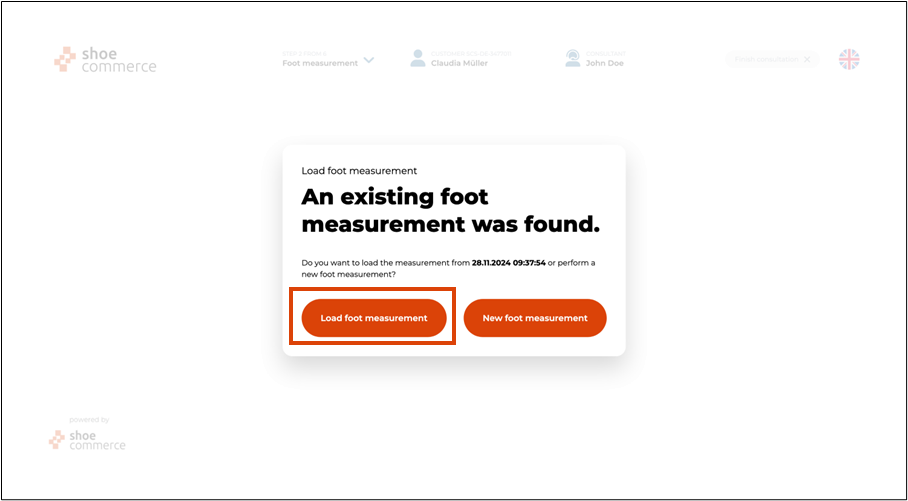
- Confirm the question regarding the existing foot measurement with ‘Load foot measurement’. Then exit the foot measurement by clicking on ‘Continue to shoe selection’.
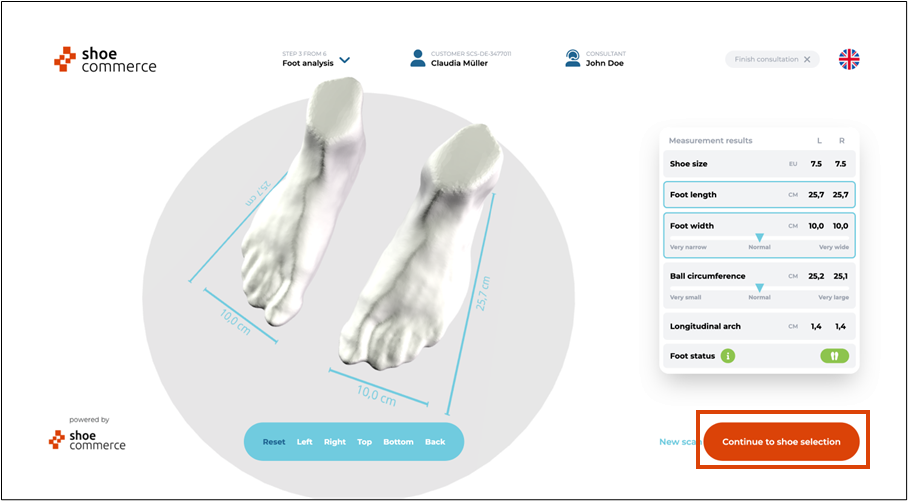
- Proceed with the shoe selection.